


Lenovo XT80 Wireless Headphones Bluetooth 5.4 Earphones True with Mic Button Control Noise Reduction Earhooks Waterproof Headset
SPECIFICATIONS
Active Noise-Cancellation: Yes
Brand Name: Lenovo
Category: Earphones & Headphones
Certification: CE,FCC
Charging Method: cable
Choice: yes
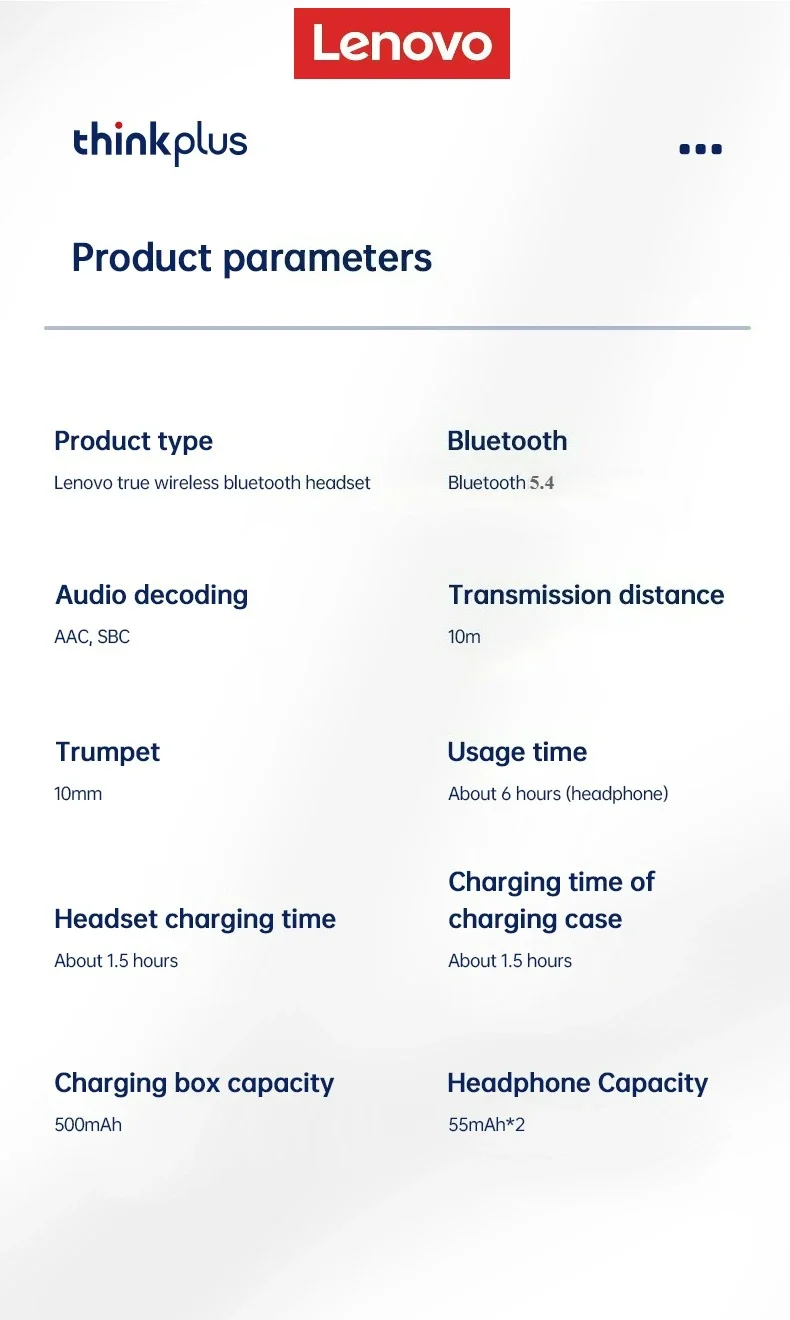
Codecs: AAC,sbc
Communication: WireLess
Connectors: Type c
Control Button: Yes
Features: Waterproof,With microphone
Function: for Video Game,HiFi Headphone,Sport,For Outdoor
High-concerned chemical: None
Impedance Range: up to 32 Ω
Is wireless: Yes
Line Length: 0
Material: Plastic
Origin: Mainland China
Package List: User Manual,Charging case
Sound Isolating: Yes
Style: Ows ear hook headphones
Support APP: Yes
Support Memory Card: No
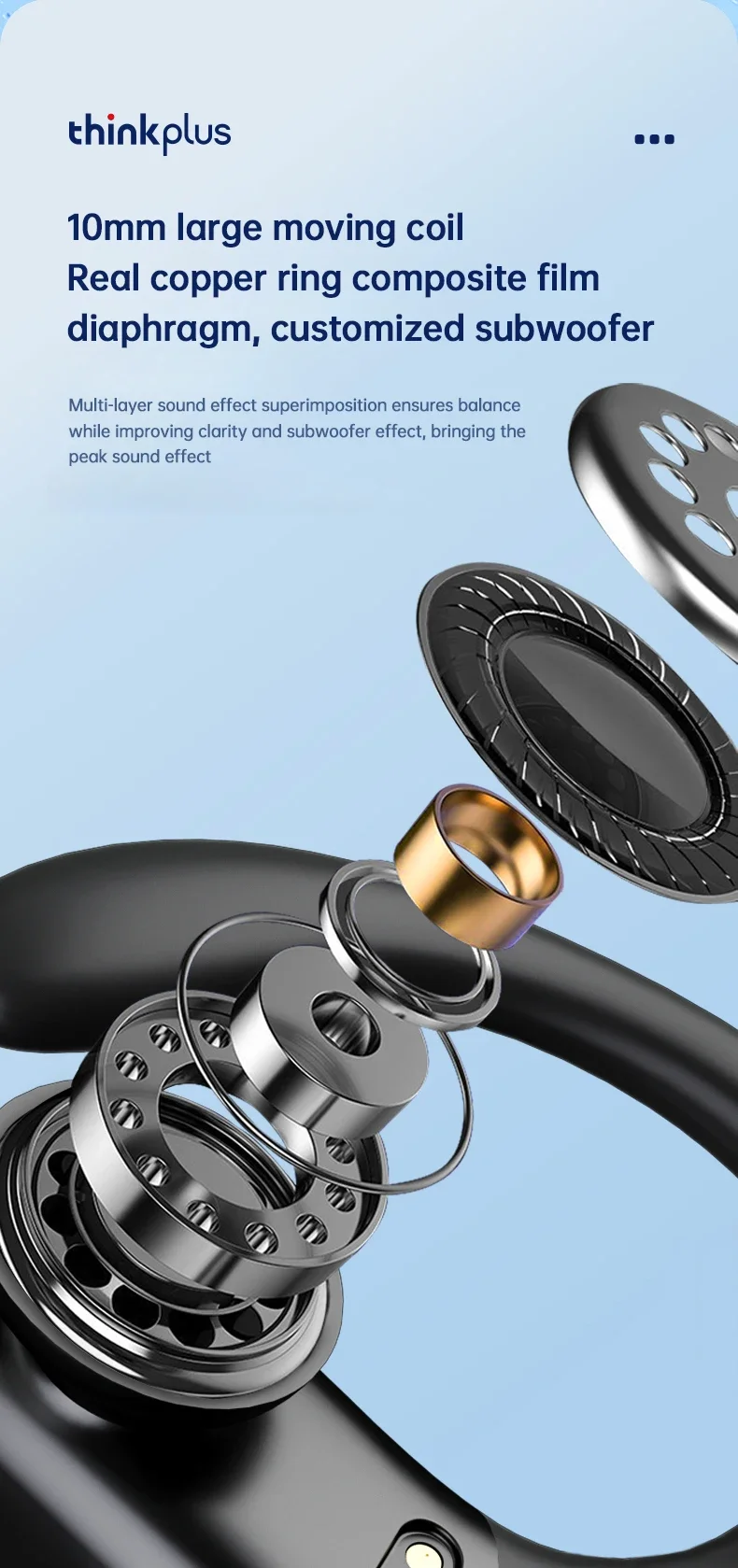
Vocalism Principle: Dynamic
Volume Control: Yes
Waterproof: Yes
Wireless Type: Bluetooth
With Microphone: Yes
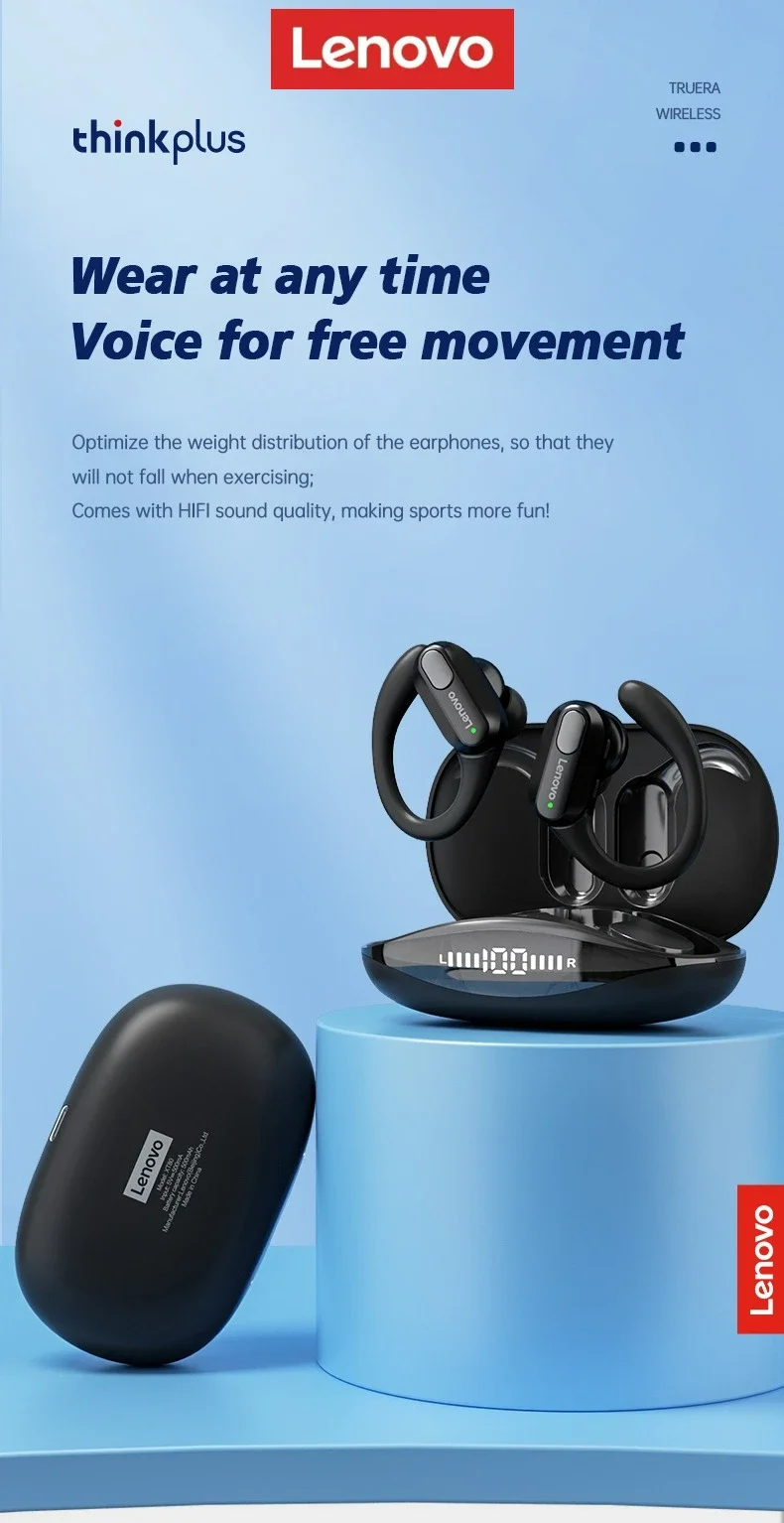
Lenovo XT80 Ear Hook Sports Wirless Headephone
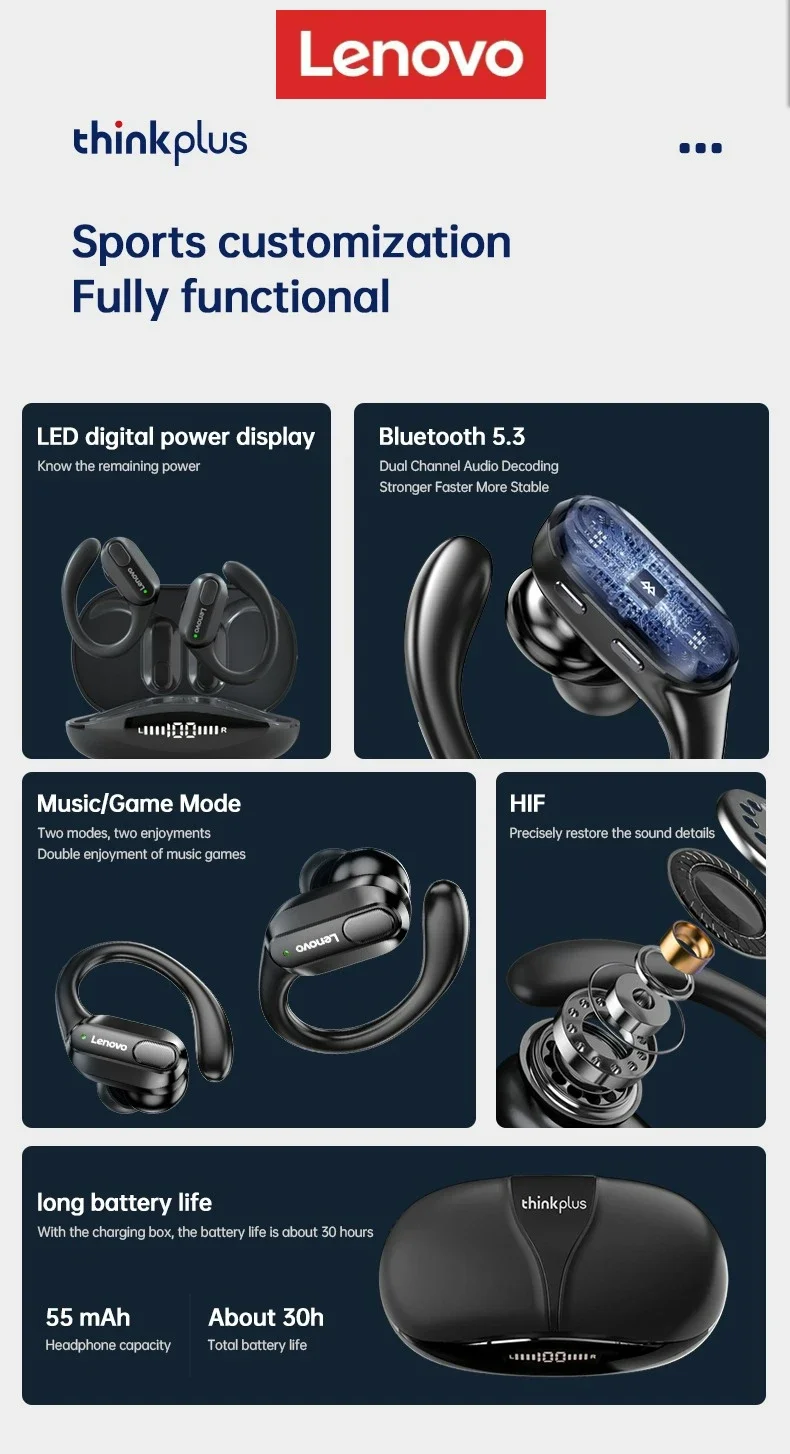
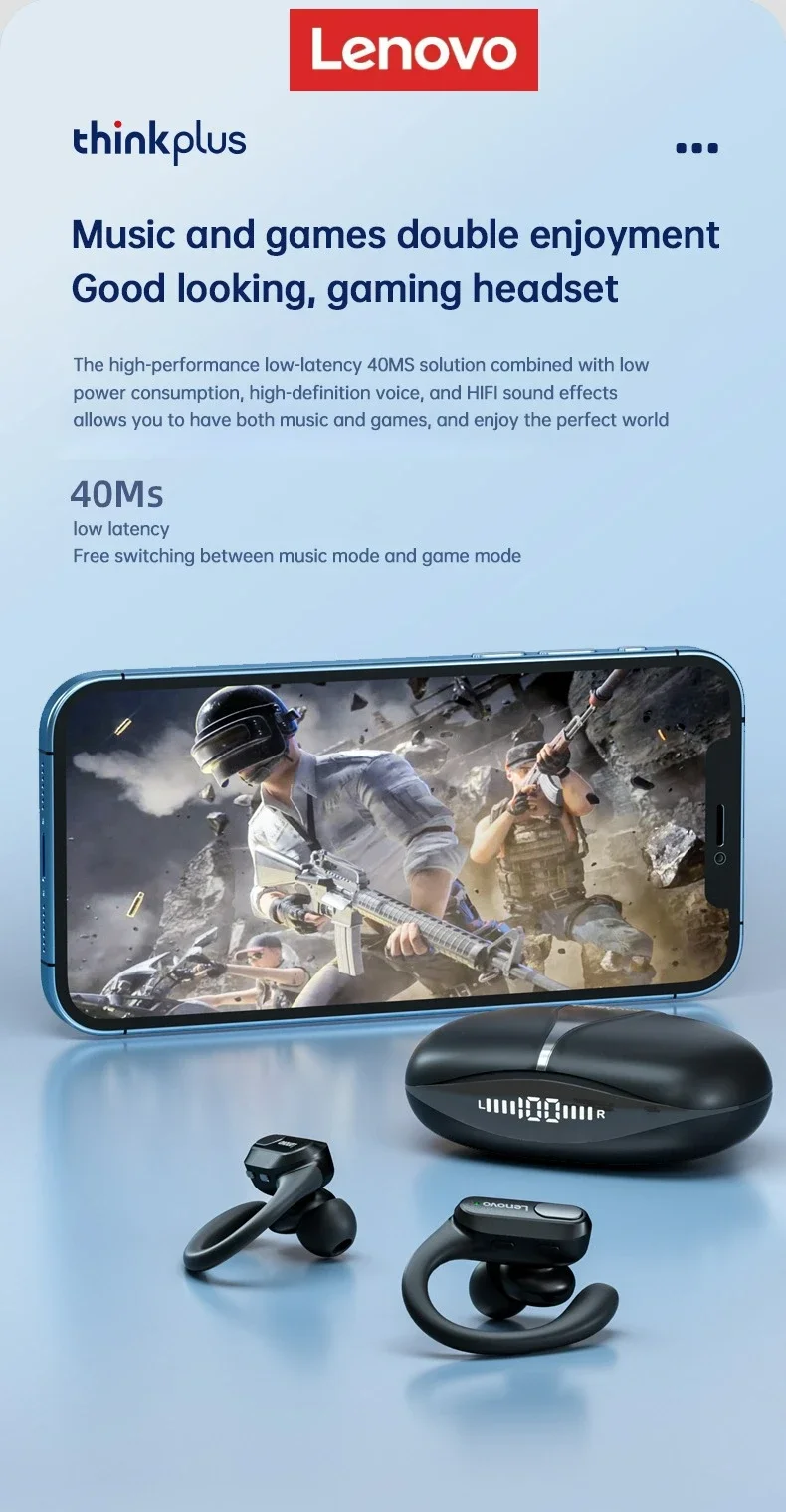
• Wireless Bluetooth 5.4 :Enjoy seamless connectivity with the latest Bluetooth 5.4 technology for uninterrupted audio streaming.
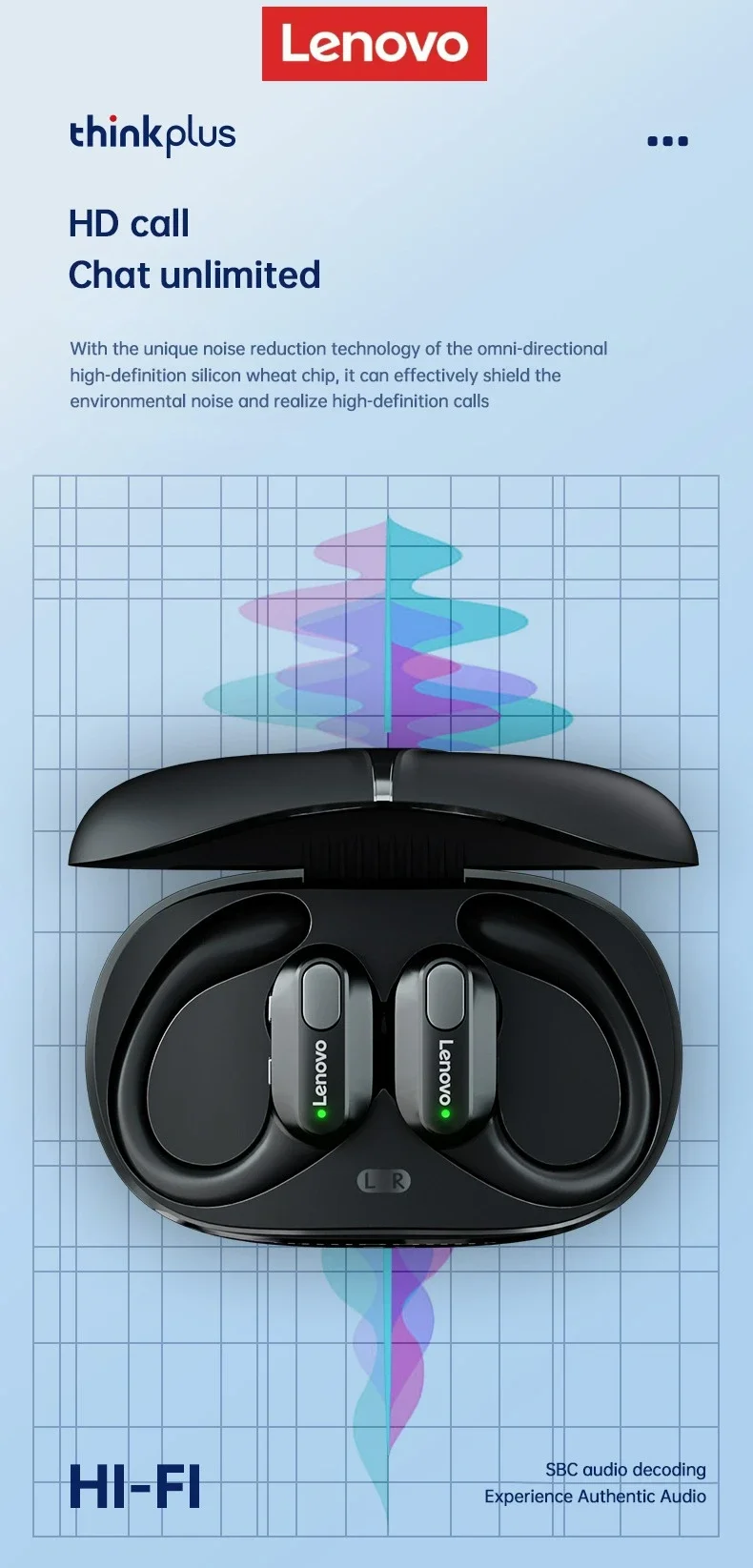
• Built-in Microphone :Take calls on-the-go with ease thanks to the built-in microphone that allows for hands-free communication.
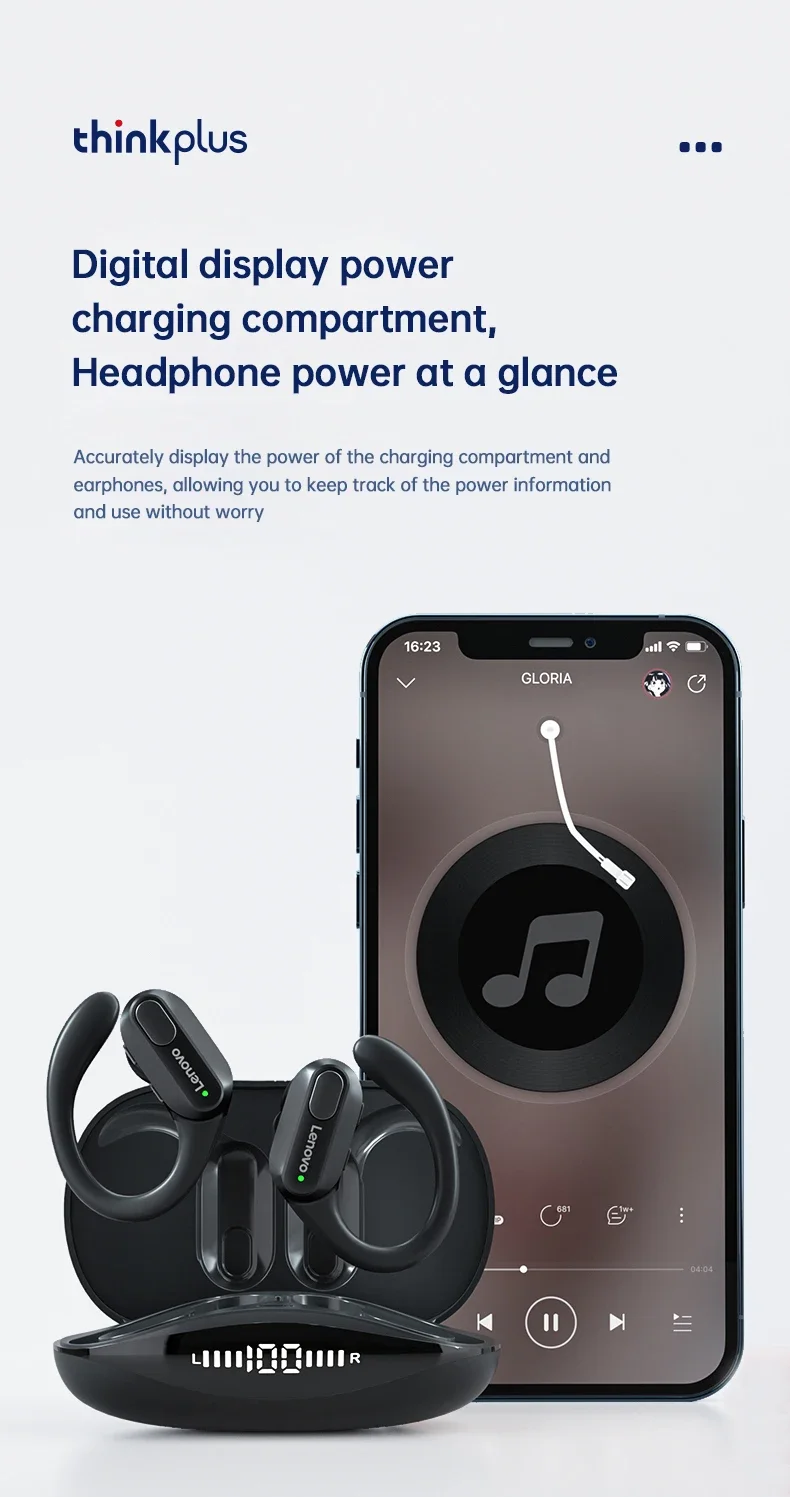
• LED Power Display :Keep track of your headphones' battery life with the convenient LED power display that shows you how much charge is left.
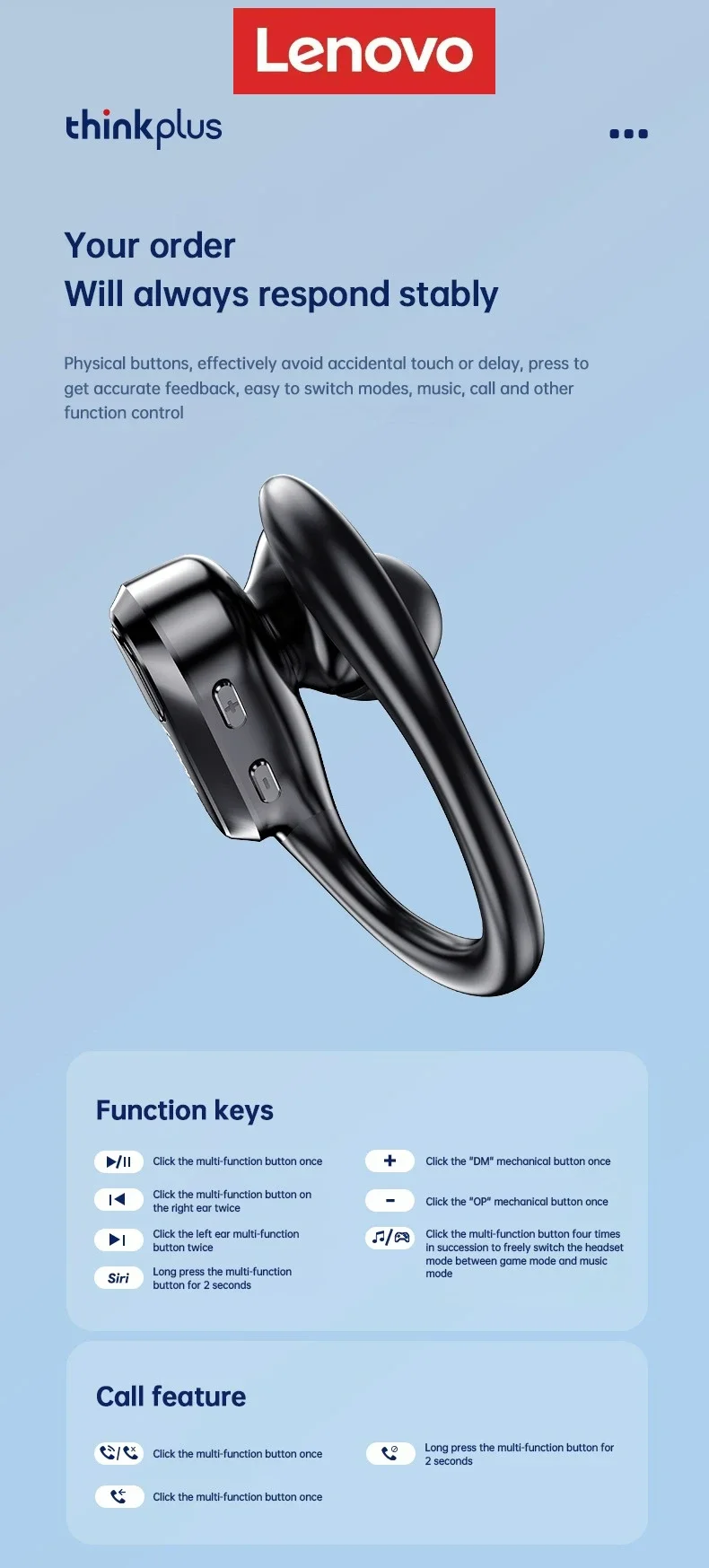
• Volume Control :Adjust the volume of your music or calls with ease using the convenient volume control feature.


3.Can I activate Siri voice controls with these headphones?
Yes, you could activate Siri by long pressing the left earphone Button for 2 seconds.
4. Does this have a built-in microphone?
Yes, a built-in microphone is made for clear talks.
5. It says they're waterproof, can you swim with them?
No. It's just sweatproof. We don't recommend swimming with them.
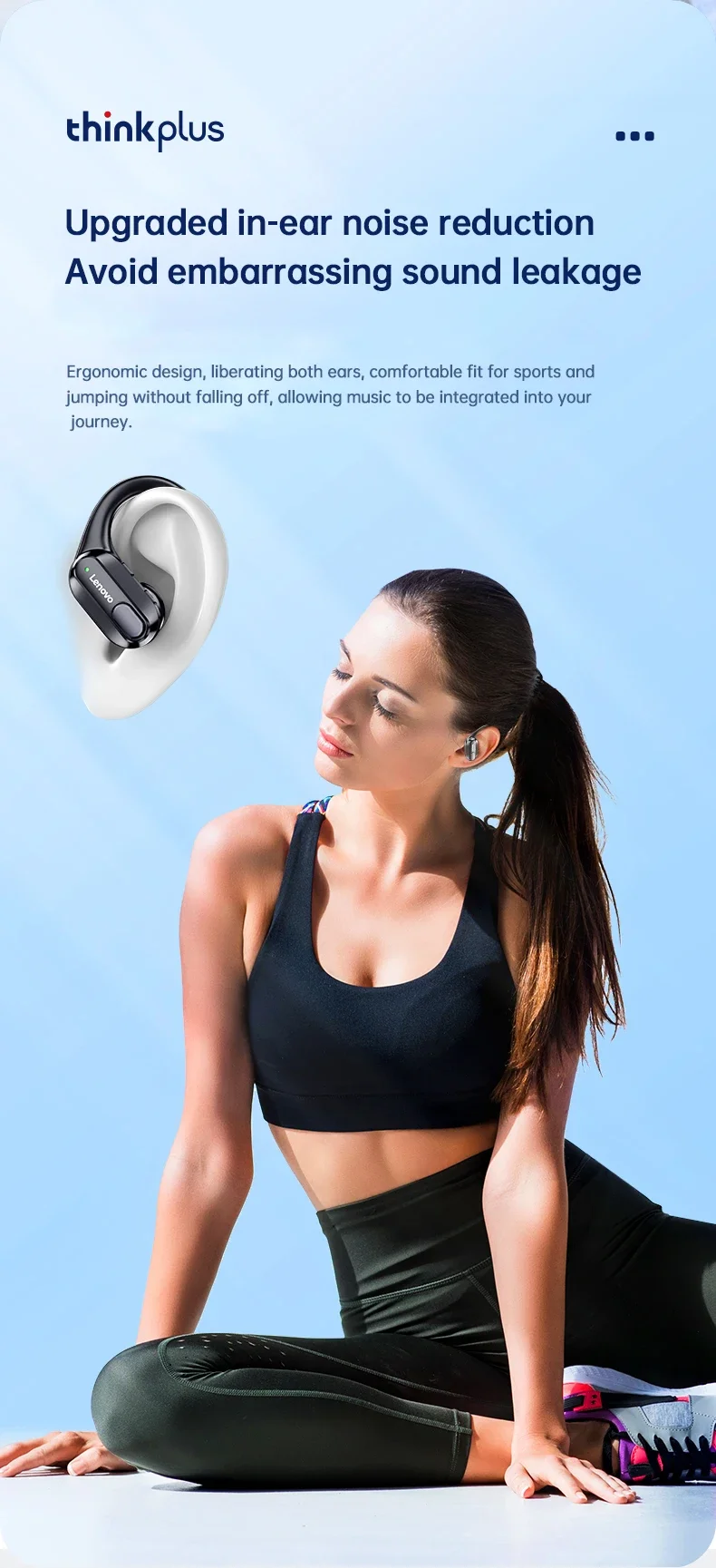
6. Is this sound leak serious?
As long as the volume is not the maximum, there will be no leakage of sound. As for the health of the ear, you should also avoid using the maximum volume for a long time.